

 See My Latest Article on HelloNation
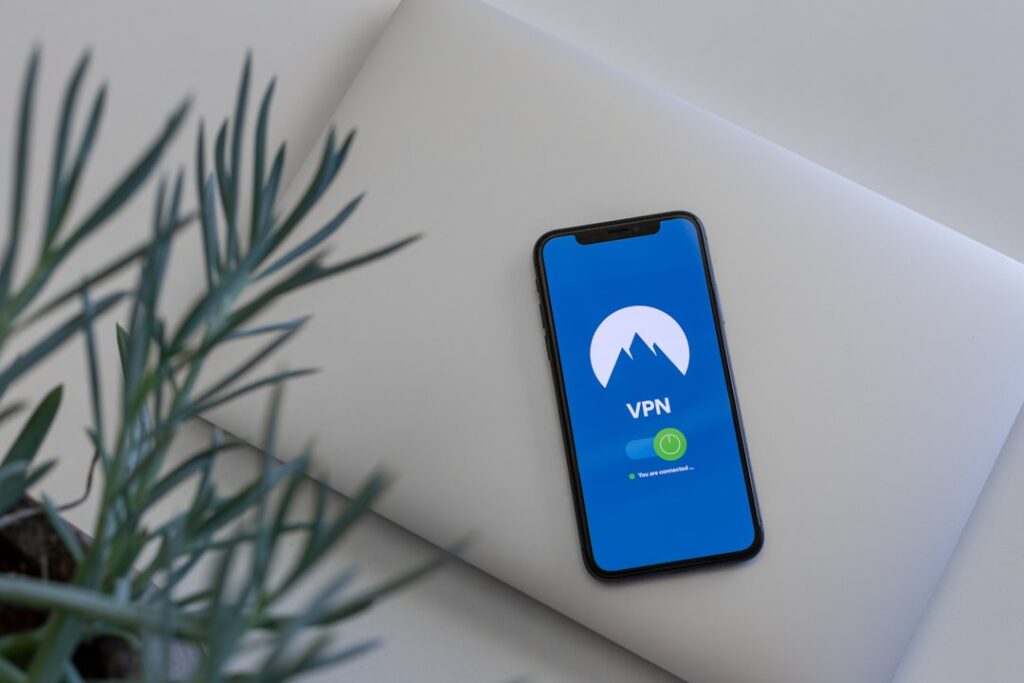
What Is a VPN?
A VPN, or Virtual Private Network, is a digital tool designed to create a secure, private connection between your device and the internet. It works by sending your internet traffic through an encrypted tunnel to a remote server, making it difficult for others to see what you’re doing online.
For local residents browsing from home, using public Wi-Fi at coffee shops, or managing sensitive information for work or school, a VPN acts as a shield for both data privacy and security.
How Does a VPN Work in Everyday Life?
In practical terms, when you connect to a VPN, your device (such as a phone, tablet, or laptop) communicates with servers controlled by the VPN provider instead of connecting directly to websites and apps. These servers handle your requests and pass information back and forth.
- Your original location and internet address become hidden, making you appear as if you’re browsing from the location of the VPN server.
- Anyone trying to monitor your activity—like an internet provider, hackers, or people on public Wi-Fi—sees only scrambled data, not the websites or services you’re accessing.
Using a VPN does not change your physical location or internet speed by itself, but the added encryption can sometimes slow down connections, especially if the VPN server is far away.
Why Do People in Midland Use VPNs?
Local residents often ask if VPNs are practical or necessary. In a community like Midland, homes and workplaces rely on digital tools for banking, school, streaming, and even remote health visits. Here are common reasons people choose to use a VPN:
- Privacy: Prevents internet providers or other third parties from tracking browsing habits or gathering personal information.
- Security on Public Wi-Fi: Protects data from hackers when using unsecured networks in parks, hotels, or libraries—which is especially important for those attending events or traveling around town.
- Remote Work: Many employers require VPN use to safely access company resources from home or on the road.
- Accessing Content: Sometimes, local streaming options or websites have restrictions or look different from other regions; a VPN can help bypass these geographic limitations for broader access.
Are VPNs Legal to Use Here?
Using a VPN is legal in Midland and across the broader region, as long as the technology isn’t used for illegal activity. Most people rely on VPNs simply to keep their personal online activity private, protect sensitive documents, or browse securely.
Residents should stay aware of terms of service for specific websites and avoid violating agreements—especially with streaming services, which may have their own rules about location.
Do VPNs Make You Completely Anonymous?
No digital tool guarantees total anonymity. A VPN provides a strong layer of privacy, but it does not make someone invisible on the internet. Websites can still use cookies, and online accounts tied to your name or email may still track activity. For thorough privacy:
- Combine a VPN with strong, unique passwords on accounts
- Keep devices updated with the latest security features
- Use antivirus protections and avoid sharing personal details unnecessarily online
A common misconception is that a VPN makes online actions untraceable, but law enforcement and websites can still access records under specific circumstances if needed for legal reasons.
What Are Some Practical Considerations for Households?

For many in Midland, daily life includes sharing internet access with family members, connecting smart TVs, or working from home. VPNs can be set up individually on devices, or sometimes on home routers for whole-house coverage.
Some tips:
- Test if your most-used sites work well with a VPN; certain online services, such as banking or streaming, might block traffic from VPN servers.
- Check how VPN speed compares to your regular connection—if streaming or video calls lag, try switching servers within the VPN app.
- Remember, VPN use doesn’t replace strong passwords or safe browsing habits.
Are There Downsides to Using a VPN?
While VPNs add valuable security, there are trade-offs:
- Slower connection speeds can occur due to the extra step of data encryption, depending on server distance and internet quality.
- Some services, such as local news or government resources, might temporarily restrict access if a VPN makes you appear to be connecting from another region.
- Periodic updates to the VPN app or software may be needed for security and reliability.
These issues are generally minor, and many residents find the privacy benefits outweigh occasional drawbacks—but it helps to understand what to expect.
When Might You Not Need a VPN?
For routine local browsing on trusted home networks—like checking the weather, reading local news, or using school district portals with strong security in place—a VPN may be less essential. The most value comes from situations involving personal data, travel, or public Wi-Fi, where vulnerabilities are higher.
For those working with sensitive information from home, using online banking or handling private communications, a VPN is a practical safeguard. For day-to-day online chores on a secure network, general cybersecurity habits (such as using secure passwords and regular updates) remain the most important.