

 See My Latest Article on HelloNation
What Is Cybersecurity?
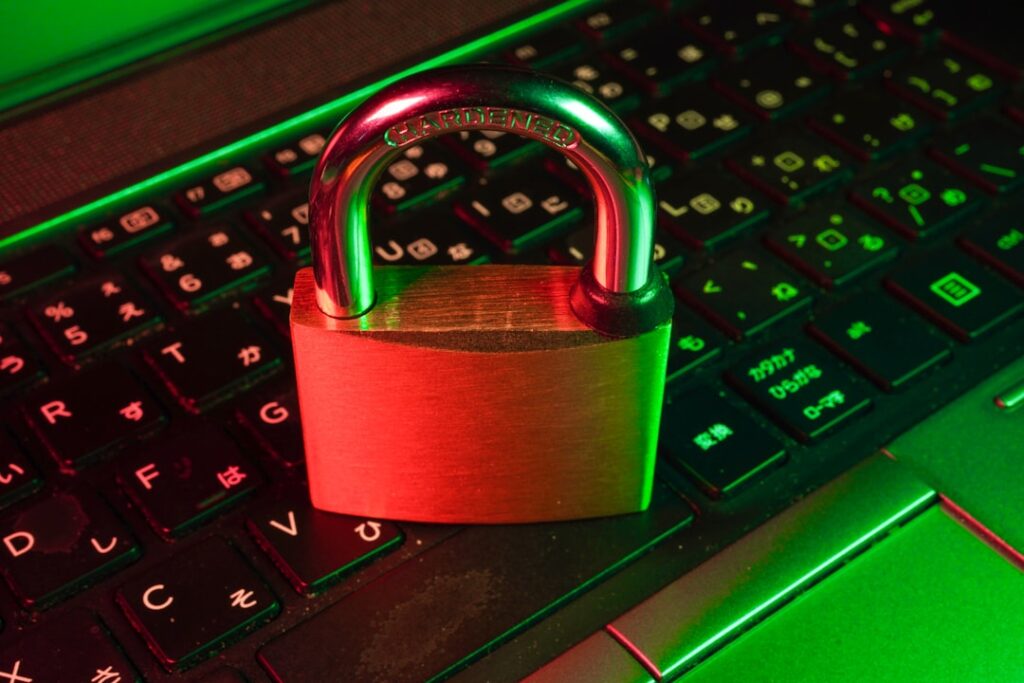
Cybersecurity is the practice of protecting computers, networks, and personal data from unauthorized access, attacks, or damage. It covers everything from your home Wi-Fi to workplace email, and even the apps used on smartphones or tablets.
For residents of Midland, staying safe online means practicing good habits—just as you might lock the doors and windows of your home—to help prevent digital theft or disruption.
Why Should Midland Residents Care About Cybersecurity?
Local households, businesses, and schools all increasingly rely on internet-connected devices for managing schedules, communicating, and completing daily tasks. The hot, dry climate of Midland might limit some outdoor activities, so many families turn to streaming, gaming, or online shopping—raising the importance of safe technology use.
Cyber incidents can affect anyone, no matter their tech experience:
- Identity theft can result from a hacked email account
- Lost access to important family photos or documents if a computer is infected with ransomware
- Utility payment or banking scams targeting local households
Basic cybersecurity steps can help avoid these disruptions.
What Are the Most Common Cybersecurity Risks for Local Residents?
Everyday threats often involve tricking people rather than just “breaking in” to computers. Common risks include:
- Phishing emails: Fake messages that look real, trying to steal passwords or personal information
- Weak passwords: Easy-to-guess codes can leave accounts open to criminals
- Public Wi-Fi threats: Unsecured networks, common during travel or while waiting at local cafes, can allow snooping
- Malware: Harmful programs that might secretly install on a computer from downloaded files or sketchy links
These risks often impact Midland households in subtle ways—like a sudden drop in device performance or strange charges popping up on bank statements.
How Can Local Residents Protect Themselves at Home?
Start with a few simple habits:
- Use strong, unique passwords and update them regularly
- Turn on two-factor authentication for important accounts
- Keep devices and apps updated with the most recent security patches
- Avoid clicking on suspicious links or downloading unknown files, whether in email or text messages
- If a scam attempt does occur, report it to local authorities or consumer protection agencies
For homes with children or elderly relatives, consider reviewing basic internet safety together. Conversations about privacy, scams, and device security can help prevent common mistakes—especially valuable given how quickly technology can change.
Are There Any Unique Cyber Risks for the Community?
Midland’s climate and lifestyle shape how residents use technology:
- Summer heat means more indoor activities and greater internet use during peak weather months.
- Town events, local news websites, and online services from municipal programs may all be targets for phishing or misleading messages.
- Lower population density in some neighborhoods may encourage more reliance on digital communication—potentially making phone and internet scams harder to spot if neighbors aren’t regularly exchanging information face-to-face.

Awareness of these factors can help residents practice situational caution and watch for signs of suspicious online activity.
How Do Scams and Fraudsters Target Area Households?
Digital criminals use tactics tailored to local routines and concerns. Examples seen in local communities include:
- False notices about “missed” utility payments, suggesting immediate online payment to avoid disconnection
- Alerts about package deliveries, tempting recipients to click on malicious links
- Imitation emails from familiar institutions, such as schools or local clubs
Many of these scams rely on social engineering—exploiting trust or urgency. If something seems urgent, unexpected, or too good to be true, it’s usually wise to verify the message through official channels before responding.
What Should You Do If You Face a Cyber Issue?
If you experience an online security problem, taking quick steps helps limit potential harm. Actions might include:
- Changing passwords for affected accounts
- Running a reputable antivirus or security scan on your devices
- Notifying your bank or credit union if financial information may have been compromised
- Informing local law enforcement or consumer protection offices, especially if a scam impacted your finances or personal information
Acting quickly often helps reduce losses and can prevent the same criminals from harming others in the community.
Where Can Residents Find Trustworthy Cybersecurity Information?
For further guidance, area residents can rely on official government websites, public library technology resources, and community education programs. The Federal Trade Commission (FTC), local law enforcement offices, and Texas state agencies all offer up-to-date tips for staying safe online.
Staying informed and sharing information with friends, family, or neighbors can make a meaningful difference, especially as technology and scams continue to evolve.