

 See My Latest Article on HelloNation
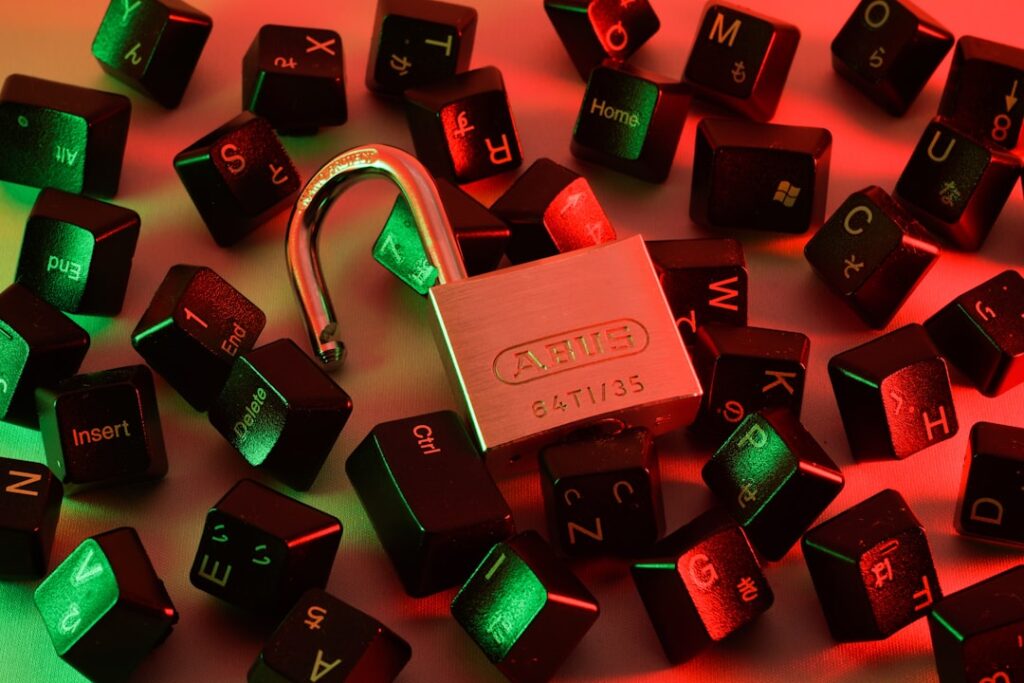
What Does Online Privacy Mean for Midland, TX Residents?
Online privacy means keeping your personal information, web activity, and digital presence secure from unwanted access, whether you’re shopping, banking, or just connecting with friends online. For residents of Midland, this often involves common daily activities—streaming, social networking, or paying local bills—on networks that may not always be secure.
Why Is Protecting Privacy Online Important Locally?
Local households often use digital services for utilities, medical care, and community engagement. Midland’s mix of neighborhoods, from newer subdivisions to rural outskirts, can mean varying levels of internet security. Privacy threats might seem distant, but lost personal data can result in financial stress, identity theft, or scams that specifically target communities like Midland.
How Can Midland Residents Manage Password Security?
Strong passwords are a first line of defense. Instead of using the same easy password for every local login, create unique phrases for important accounts:
- Combine random words, numbers, and symbols
- Avoid obvious references like family names or birthdays
- Use a password manager if tracking complex passwords is difficult
Frequent changes aren’t as effective as using truly strong, unique passwords for each account, particularly for banking or healthcare portals.
Is Public Wi-Fi Safe to Use Around Town?
Public Wi-Fi at libraries or community centers is convenient but risky. Even when accessing local news or school websites, networks that don’t require a password can expose your data:
- Use Wi-Fi only for non-sensitive browsing
- Avoid entering credit card or Social Security numbers
- Consider using your mobile data for sensitive activities
A virtual private network (VPN) can add a layer of protection, especially if you work remotely from public places in the city.
What Kinds of Scams Target This Area?
Scam tactics evolve, but many target residents with messages or calls claiming to be from local utilities or public agencies. Typical signs include:
- Requests for immediate payment or sensitive info via email or text
- Links leading to unfamiliar websites
- Offers that sound too good to be true
Verify suspicious messages by contacting agencies using numbers from official sources, not those provided in the suspicious message.
Are Social Media Accounts a Privacy Risk?
Social media platforms collect more data than many realize. Careless sharing—like public event check-ins or children’s birthdays—can let strangers learn about your routines or family details.
- Review privacy settings to restrict who can see your content
- Limit posts with personal or location-specific information
- Be careful when joining local groups; scammers sometimes enter community groups looking for targets
How Can Midland Households Protect Children’s Privacy?
Children may be less aware of online dangers. Tools like parental controls and private browser settings help, but regular conversations are essential. Remind children:
- Never to share their phone number, address, or school details publicly
- To be cautious about meeting online acquaintances
- That photos and videos posted online can be shared beyond intended audiences

Encourage open communication if they encounter something uncomfortable.
What About Privacy With Internet of Things (IoT) Devices?
Smart thermostats and doorbell cameras are popular in area homes, but can be weak points if not set up securely:
- Always change the default passwords on connected devices
- Check for and install firmware updates regularly
- Know what information the device collects and shares
Read the device’s privacy policy and disable unnecessary features, such as remote access if not used.
How Can Residents Respond If Their Data Has Been Exposed?
If you receive notice of a data breach, act quickly:
- Change the passwords affected
- Monitor bank and credit accounts for unfamiliar activity
- Consider freezing your credit with the three national bureaus if sensitive data like Social Security numbers are exposed
Stay alert for follow-up phishing scams that may pretend to offer solutions.
What Should I Know About Privacy Laws and Local Practices?
Texas law protects some aspects of residents’ online privacy, especially for children and medical information. However, many protections depend on individual habits. Area households should:
- Review privacy policies before agreeing to apps or services
- Opt out of extra data sharing where possible
- Be aware that even trusted local institutions could be targeted by hackers
Familiarity with these local realities helps set realistic expectations and better daily habits for digital safety.